















No products in the cart.

Shop this story
4 streaming mistakes that keep billing households after they stop watching
by Joseph L
You mean to cancel unused streaming subscriptions, then the week gets noisy and the charge lands anyway. One app looked dormant, another was “free,” and a third lived inside a store account you barely think about. By the time it shows up on your statement, it feels small enough to ignore and frequent enough to become background.
That background is where the money goes. Streaming billing keeps running on timing, account layers, and shared payment setups that don’t care whether anyone is still watching. A household can be fully done with a service and still stay enrolled because the stop point was hidden, split across platforms, or attached to someone else’s login. Convenience is doing double duty here: it makes starting easy, and it makes forgetting expensive.
1) Auto-renewal: The quiet billing trap after you stop watching

You open a credit card statement on a Tuesday morning and find a charge from a streaming service you stopped watching three months ago. You did not re-subscribe. You barely remember the last time you used it. But the bill is real, and it will keep coming.
Auto-renewal is a standing billing instruction on your account. The moment you sign up, billing continues indefinitely until you take explicit action to stop it. Stopping watching is not the same as canceling, and that gap between the two states is exactly where households bleed money quietly, month after month.
Platforms are not all equally forthcoming about the off-ramp. The FTC’s complaint against Amazon alleged the company engineered its Prime cancellation flow to discourage completion, requiring five clicks on desktop and six on mobile even after the company revised the process. That is a real friction cost, and it is not accidental. The harder an exit feels, the more subscribers abandon it halfway through and stay enrolled.
The timing of your cancellation matters just as much as whether you cancel at all. Google One’s billing system can place an authorization hold on your card a few days before your renewal date, and if you cancel inside that window, the charge processes anyway and the platform will not refund it. Roku’s policy is similarly unforgiving: turn off auto-renew before your next billing date or absorb the full next cycle, because partial-term refunds are not available. FTC alerts about Adobe described subscribers who called customer service, heard they were done, and then found charges continuing on their statements.
The practical response is narrower than it sounds. Waiting until the end of the month leaves you paying for a subscription you have already decided to drop. Cancel the moment you know you are done. Screenshot the confirmation screen and note the date. If charges continue after a confirmed cancellation, dispute them directly with your card issuer, which is the step the FTC itself recommends when a platform will not stop billing.
The subscriptions you forget about are the ones that run longest. A calendar reminder set for the day you cancel unused streaming subscriptions is worth more than any intention to deal with it later.
2) Free trial conversion: Cancel 24 hours early
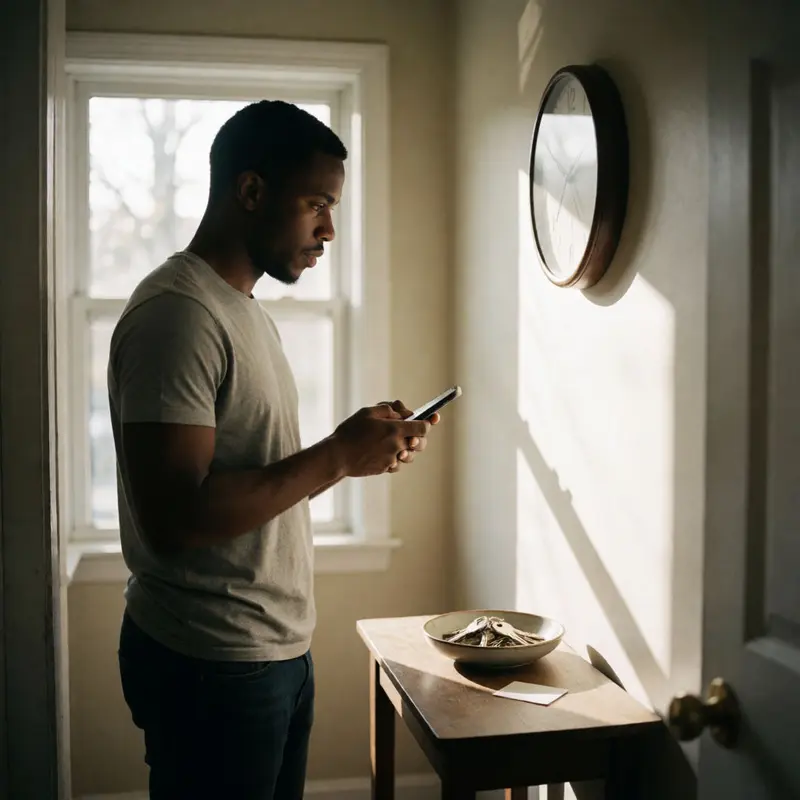
Free trials are built around one assumption: that you will forget. Every platform offering a trial knows that signing up requires a credit card, that the trial converts automatically to a paid subscription when the clock runs out, and that most people will not calendar the end date when they’re excited about getting something for free. That sequence is the product.
The conversion is the opposite of passive. It is an active billing event that happens to you while you are doing nothing. Apple’s guidance recommends canceling at least 24 hours before a trial ends if you do not want it to renew, which means the window is shorter than it appears. If you cancel on the last day itself, depending on timing and platform, the charge may already be in motion. Roku’s policy makes this explicit: cancel on or before the last day of the trial, because once that window closes, the subscription runs and there are no partial-term refunds to recover the cost.
Where it gets genuinely confusing is the moment after you do cancel. Roku’s system turns off auto-renew but lets your access continue through the end of the billing cycle, which, if you are checking the app to confirm the cancellation worked, produces exactly the wrong signal. The account still feels active. That ambiguity pushes some subscribers to assume the cancellation failed and leave the subscription running rather than investigate. A post-cancellation charge from Google Play can have similar causes: the cancellation may not have processed, the trial window may not have actually closed yet, or a billing error occurred on the platform’s side.
To cancel unused streaming subscriptions cleanly, you need confirmation you can point to later. Screenshot the cancellation screen with the date visible. Then do one more thing: check your statement on the date the trial was supposed to end. If you are billed despite having canceled, the FTC’s own guidance is to dispute it directly with your card issuer, keep every record of your cancellation request, and escalate if the platform continues billing. The screenshot is the opposite of paranoia; it is the only leverage you have.
3) App Store subscriptions: Canceling in-app won’t stop billing
Billing through a marketplace adds a layer that the streaming service itself cannot touch. When you subscribe to a channel through the Apple App Store, your payment relationship is with Apple, and canceling inside the Netflix or Paramount app does nothing to stop it. The subscription lives somewhere else entirely.
This is where the 42% figure from consumer research lands hardest: forgotten charges often survive precisely because the subscriber went to the wrong place to cancel. With 86% of subscriptions on autopay, there is no monthly friction to remind you that the billing party and the content provider are two different companies.
The App Store consolidates everything in one place, which is genuinely useful once you know it exists. On an iPhone, go to Settings, tap your name, then Subscriptions. You will see every active subscription billed through Apple, listed with the app, price, and billing cadence. To cancel unused streaming subscriptions purchased this way, select the one you want to end and tap “Cancel Subscription.” Apple’s own documentation notes that if no cancel button appears, or if a date shows in red, the subscription is already canceled, so that absence is a signal.
The harder edge of this system is that marketplace design can work against you even when you are trying to act. The FTC’s 2023 lawsuit against Amazon alleged that Prime used interface patterns that forced users to hunt for the cancellation path and click through extra pages, friction that kept billing going longer than subscribers intended. Cancellation through a marketplace is possible, but possible and straightforward are not the same thing, and even a completed cancellation can occasionally fail to stop a charge. The FTC’s guidance is direct: check your statement after you cancel, and if you are billed anyway, dispute the charge with your card issuer immediately.
Once you have worked through the App Store list, the next question is who else in your household may have signed up for something under a different payment method, because shared cards create their own attribution problem.
4) Shared payment methods: Attribution breaks, renewals multiply quietly

Shared cards are exactly where attribution falls apart. When two or three people in a household run subscriptions through the same Visa or Apple ID, no individual charge looks alarming enough to investigate, so the total keeps growing one quiet renewal at a time.
The platform you used to sign up determines where the charge actually lives, and that varies by device in ways that catch people off guard. Roku is the clearest example: every subscription is tied to the specific Roku account used during sign-up. The device itself is the hardware that account runs on. If your household has two Roku accounts across different TVs, you may have duplicate subscriptions sitting on separate accounts, each one billing independently, with no single dashboard that shows you both. Roku’s own guidance on unrecognized charges points to this as a primary source of confusion and recommends consolidating down to one account across all devices to bring subscriptions into a single view at my.roku.com/subscriptions.
Apple’s Family Sharing setup adds a different wrinkle. The family organizer’s card is the backstop payment method, but Apple charges an individual family member’s account balance first before falling back to the organizer. That means the person paying the bill may not see a charge until the member’s own balance runs dry, and by then the subscription has renewed several times without any notification that felt like a bill.
Google Play lets a family manager designate a shared payment method for family purchases, making the manager responsible for every receipt that flows through it. The appeal is centralized visibility, though Google’s own documentation acknowledges that in certain regions the shared family payment method cannot be used for subscriptions at all, which pushes those charges back to individual accounts and breaks the consolidation before it starts.
The fix in every case is the same audit move: pull up the subscription management screen for each platform account in your household. One overlooked Roku account or a Family Sharing member’s forgotten trial can stay billable for months before anyone notices. A charge that is easy to miss individually is still money leaving every single month.
Final thoughts
Streaming charges keep surviving for one reason: stopping the show and stopping the billing are two separate actions, often separated by design, timing, and account structure. Once that clicks, the real task gets sharper. You’re not just trimming entertainment costs; you’re closing billing paths that stay open unless someone shuts each one on purpose.
Treat subscription cleanup like account hygiene. When you cancel unused streaming subscriptions, the win isn’t a single lower charge next month. The win is a household that knows where each recurring payment lives, who controls it, and which confirmation proves it’s actually off. Add a recurring calendar check to that list so each renewal gets re-verified before it charges again.
Further reading


Leave a comment