
















No products in the cart.

Shop this story
5 privacy gaps in Home Assistant Voice Preview Edition that break ‘self-hosted’
by Joseph L
Renters know the feeling: you can choose the gadgets, but you don’t fully control the space around them. That’s why Home Assistant voice privacy issues hit harder than a normal smart home annoyance. For people who picked self-hosted tools to keep their home life off someone else’s servers, the promise feels simple, your voice stays inside your walls.
The trouble is that “local” can turn into a condition instead of a guarantee. A setup can look private from the dashboard and still send signals outward through defaults, fallbacks, or convenience features you never meant to trust. Once a microphone is always listening, small gaps stop feeling small. They become questions about who your home really reports to when you speak.
1) Internet dependency: Offline claims with default outbound traffic
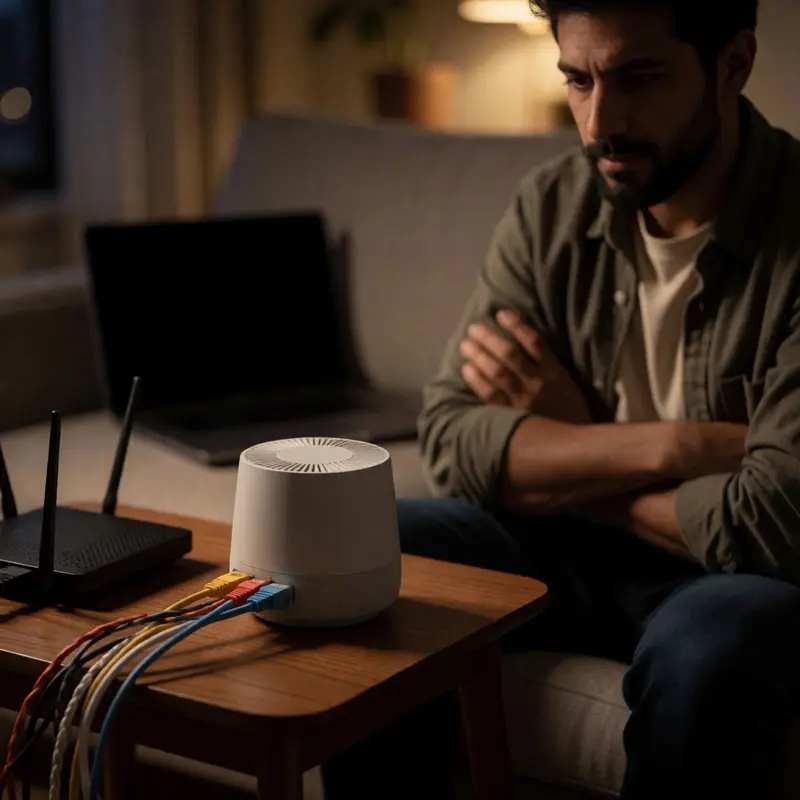
If you rent your home, you already live inside someone else’s rules about what you can change, what you can install, and how far your control actually extends. DIY smart-home renters who build on Home Assistant are doing something genuinely clever inside those constraints: replacing commercial voice assistants with a system that, on paper, keeps every spoken command inside the four walls of the apartment. Home Assistant’s own documentation frames this clearly, describing the platform as running on the user’s hardware without depending on any cloud service to function. The Voice Preview Edition announcement goes further, describing an offline-capable setup where spoken commands can be processed entirely within the home. That’s where the friction starts.
The local path exists, but it’s conditional in ways the headline promise doesn’t advertise. A new Home Assistant installation, before any configuration editing, will make outbound connections by default, pulled outward by integrations like weather services that ship enabled. Reaching genuinely local operation means finding and closing those doors one by one, and some users never realize the doors were open. For renters who chose Home Assistant specifically to avoid the data practices of Alexa or Google Home, this matters. Routing voice commands through either of those platforms hands audio to those vendors’ cloud infrastructure, which breaks any meaningful claim to a private, self-hosted posture.
The cloud options complicate the picture further. Opting into Home Assistant Cloud for speech processing routes audio through Microsoft Azure under commercial terms that claim no retention, but that claim depends entirely on a third party’s privacy policy holding. And for users who find that the Voice Preview Edition struggles to connect over HTTPS, some documented workarounds involve disabling HTTPS altogether, trading one privacy risk for a sharper security exposure.
Some voices in the Home Assistant community have landed on a harder conclusion: voice control, even when configured locally, carries enough residual risk that the only fully private smart home skips voice interfaces entirely.
That conclusion matters because it puts the Home Assistant voice privacy issues in plain view: the gap between what self-hosted promises and what the default configuration actually delivers.
2) DNS metadata leakage: Hostnames quietly forwarded to Cloudflare
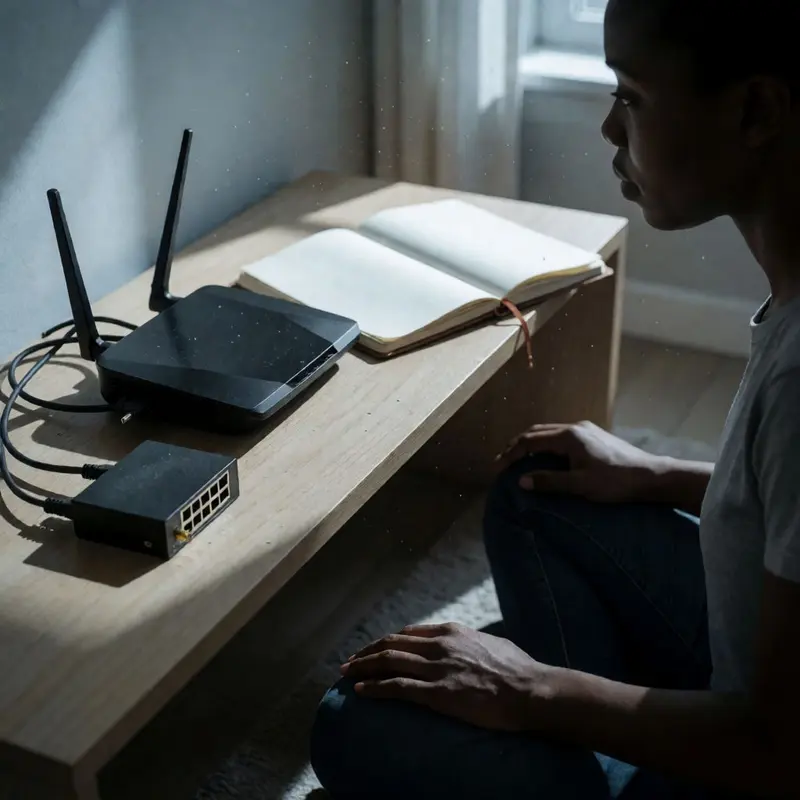
Your internal network has a naming system: device hostnames, local service labels, the private topology of everything you’ve wired together. Under a specific failure condition in Home Assistant’s supervised DNS add-on, fragments of that topology leave your network entirely and get forwarded as DNS-over-HTTPS queries to Cloudflare’s public resolvers. Users tracing this behavior linked it to CVE-2020-36517 and saw their internal hostnames showing up in traffic destined for 1.1.1.1 and 1.0.0.1, two addresses that belong to a third party, not your router.
The mechanism is a fallback. When Home Assistant OS can’t resolve a hostname locally, its supervised DNS service is designed to try Cloudflare as a backup. On a well-configured network this rarely fires. On a network where a local DNS server returns errors for certain query types, it fires constantly, and each query carries enough metadata to sketch the shape of your internal setup for whoever logs those requests.
This sits at the center of the Home Assistant voice privacy issues because voice control amplifies the problem. A working voice assistant resolves device names continuously: lights, locks, media players, sensors. Every resolution attempt that falls through to the external fallback becomes a signal about what you own and how you’ve named it.
External fallback isn’t a bug someone snuck in. Parts of the community actively recommend enabling it in setups where local DNS returns errors for IPv6 queries, which means the behavior has legitimate uses and Home Assistant’s FAQ can honestly claim that your data stays on your hardware. The gap is that DNS metadata travels before any of your actual device data does, and it travels silently.
You can stop it with a single command: ha dns options --fallback=false. That disables the external resolver entirely. The tradeoff is that any hostname your local DNS can’t resolve will fail hard instead of quietly succeeding via Cloudflare, so you’ll want confidence in your local resolver before flipping the switch. Most setups that are genuinely self-hosted already have that confidence built in.
3) Cloud STT offloading: Raw audio leaves your home

Raw audio leaving your home is a different class of problem than a DNS query slipping out. When speech-to-text processing happens in the cloud, you’re not leaking metadata. You’re transmitting the literal content of what you said, word for word, to a server you don’t control.
Home Assistant’s Voice Preview Edition can route speech recognition through Home Assistant Cloud by default. The official documentation states that Home Assistant Cloud does not retain or store voice data, and that assurance is genuine as far as it goes. The gap is that the pipeline doesn’t end at Home Assistant Cloud. Community configurations exist where a Wyoming STT server, the local relay component in many Home Assistant voice setups, is configured to forward raw audio onward to a third-party web speech-to-text service, including via the OpenAI API. At that point, Home Assistant’s own privacy commitment is simply irrelevant. The audio has exited the pipeline it covers.
NIST specifically names this pattern as a risk for voice assistant systems, calling it data exfiltration through interception of unencrypted communications. The mitigation NIST identifies is encryption plus strict access control over which devices can reach which services. Both controls require deliberate configuration. Neither is guaranteed by the fact that you’re running Home Assistant.
There’s also a subtler exposure that compounds the problem. Voice activity detection can misread ambient noise or a poor microphone as continued speech, which means the system keeps streaming audio after you’ve stopped talking. A command that takes two seconds to say might generate five or six seconds of transmitted audio. Multiply that across dozens of daily interactions and you’re sending a meaningful volume of household audio to wherever your pipeline terminates.
Home Assistant documents a fully local pipeline as an alternative, and it does solve this if you configure it completely and verify every component in the chain. That’s where Home Assistant voice privacy issues actually live: in the verification step, and in the gap between default behavior and what fully local actually requires.
4) Cloud TTS offloading: Responses leave your network too

The gap is in the default setup. Even the official setup guide for building a “fully local voice assistant” points you to a simplest path that still relies on speech-to-text and text-to-speech voices delivered through Home Assistant Cloud. Most people follow the simplest path, and that one choice, made during setup and rarely revisited, is where audio rendering stops being local.
In practice, that creates a hop you may never have meant to allow. When cloud STT or TTS is active, your spoken audio and the synthesized voice responses leave your hardware for remote infrastructure and come back again. Community troubleshooting threads describe this as multiple cloud hops in the pipeline, Home Assistant to cloud processing and then back, with each hop adding latency and creating another moment when your audio exists somewhere other than your own server. Home Assistant Cloud’s policy states it keeps no record of your voice or commands, and there’s no reason to disbelieve that. Still, the lack of retention doesn’t change the transmission itself. The audio crosses that boundary every single time you speak.
The rendering side deserves special attention because it’s easy to miss. Speech-to-text gets most of the privacy scrutiny, but text-to-speech synthesis for a response also sends the text of what your assistant is about to say outward so it can be rendered into audio. If that text describes a schedule, a device state, or anything else about how your household runs, it leaves your network before it’s ever spoken aloud in your living room.
There’s a second, quieter exposure that has nothing to do with cloud configuration. Enabling debug logging in the ESPHome integration, something a reasonable person might do while troubleshooting a TTS failure, produces a downloadable log file that community reports suggest includes voice content.
That log stays on your local system, but “local” only helps if you control who can access the file, how long it’s retained, and where it goes when you share it with someone helping you fix the problem.
Choosing fully local TTS, something like Piper running on your own hardware, closes the transmission gap for these Home Assistant voice privacy issues. What it doesn’t automatically close is your logging posture.
5) Wake word false triggers: Always-on audio windows
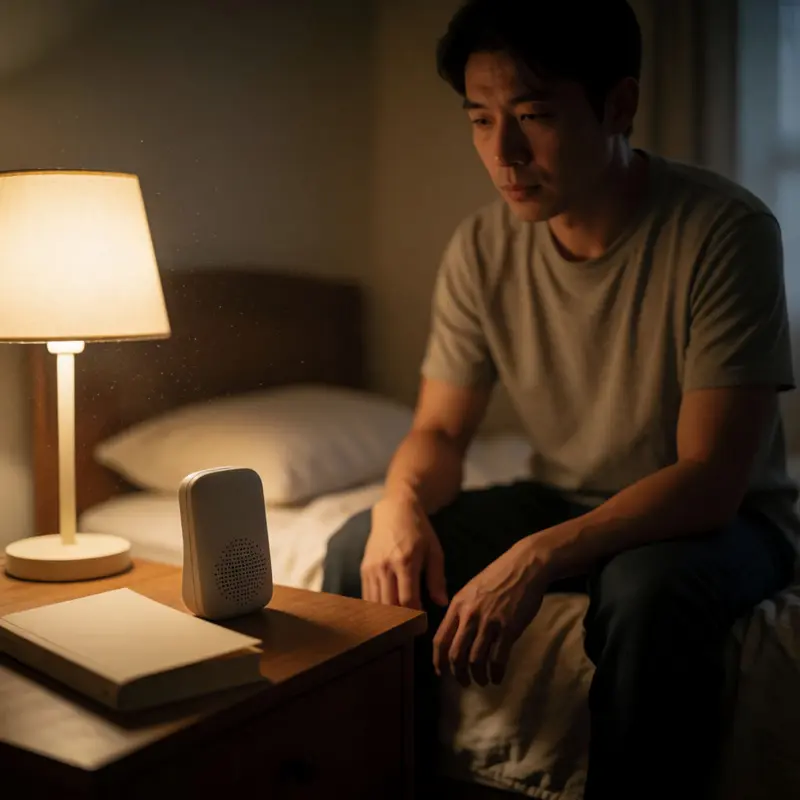
Every false wake-word trigger opens a recording window. That’s the mechanical fact that makes “Ok Nabu” worth a close look, because the Voice Preview Edition’s openWakeWord engine treats false activations as an expected outcome of the sensitivity curve, not a defect to patch out.
The tradeoff is structural. Lower the detection threshold and the engine catches your actual voice commands more reliably. Raise it and you trade recall for quiet, but you never get to zero false wakes, only a lower rate. Community users who’ve pushed the trigger level to its floor report the device waking on ambient noise, a door closing, a podcast playing in the next room. The openWakeWord documentation is clear about this: parameter tuning and verifier models can manage the problem, but they can’t eliminate it.
What gets captured during a false trigger depends entirely on what’s happening in your home at that moment. That’s the part the sensitivity slider doesn’t control. If a false wake happens while you’re on a phone call, discussing a lease renewal, or arguing about something you’d rather not log, the audio pipeline doesn’t know that. It processes what it hears. And while everything stays on your local hardware when you’re running a fully local stack, session handling after the wake event is a separate layer of exposure: research into other voice platforms has shown that post-trigger logic, whether in third-party integrations or extended listening windows, can capture more than the command that followed the wake word. Home Assistant’s own architecture doesn’t carry that specific risk by default, but the moment you add integrations, that guarantee narrows.
Adjusting sensitivity is the right first move, and it genuinely helps. But Home Assistant voice privacy issues start with a harder reality: an always-on microphone running a probabilistic wake-word model will occasionally fire when you didn’t call it. In a self-hosted setup you’ve built specifically to keep audio inside your walls, a false trigger becomes the moment intention drops out, even though the system is still following its own rules.
Final thoughts
Taken together, these gaps point to a tougher truth about self-hosting: ownership of the box doesn’t automatically mean control of the voice path. With voice, privacy depends on every handoff behaving the way you think it does, even the quiet ones that happen in the background.
That’s what makes Home Assistant voice privacy issues so sticky for renters. You’re already living with limits on what you can change in the physical space, and a voice stack adds another layer of limits inside the software itself. The real standard isn’t whether the assistant can run locally. It’s whether the whole chain, from wake word to logs, stays accountable to you when your home is at its most personal.
Further reading


Leave a comment