














No products in the cart.

Shop this story
Tap to Pay on iPhone vs a card reader: Which one adds less checkout bloat?
by Joseph L
When you’re selling out of a tote bag, car trunk, or folding table, checkout clutter turns into real friction fast. The tap to pay on iPhone vs card reader choice sounds small until you’re the one juggling a phone, a reader, a weak signal, and a customer who’s ready to tap and go.
For a casual reseller, “less checkout bloat” means fewer moving parts that can fail in the middle of a sale, and whether your setup keeps pace when conditions get messy. Dropping the extra hardware can make checkout feel lighter, but it also puts more weight on your phone, your connection, and the kinds of cards your buyers actually carry.
Checkout workflow complexity: One device or two?
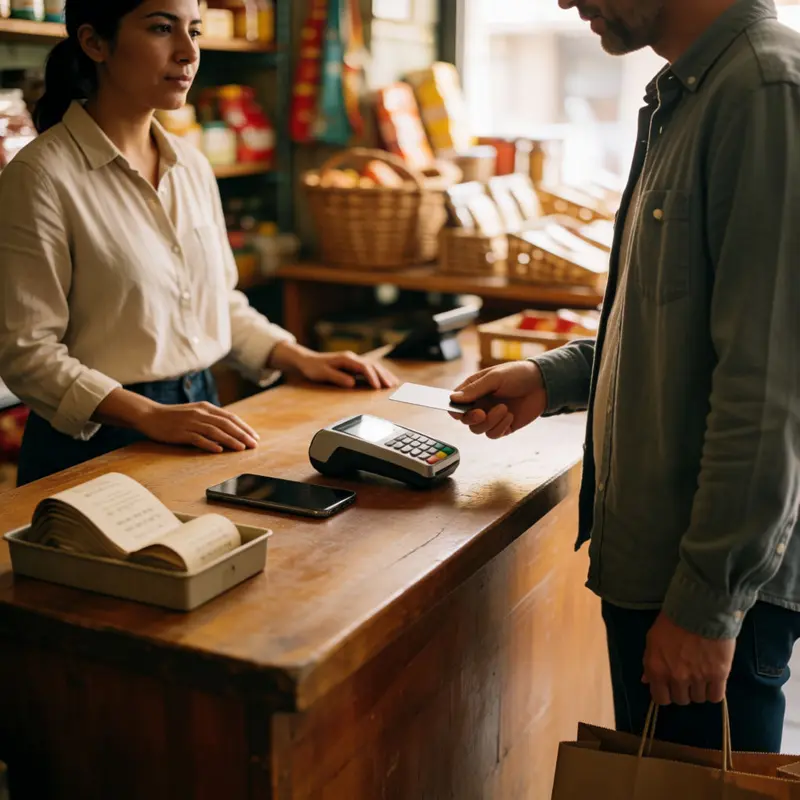
You’re at a weekend market, there’s a short line forming behind your current customer, and they’re already holding their card in the air waiting for something to tap. What happens next depends entirely on which path you chose when you set up payments, and the difference is more visible in that moment than it ever looked on a comparison chart.
With a dedicated card reader, the checkout sequence moves through distinct handoffs. You initiate the sale on your device, select the payment method, and then hand control to the customer, who taps, inserts, or swipes on a separate piece of hardware. If they’ve inserted a chip card, they may also need to enter a PIN on the reader. Each step is reliable and familiar to customers, and a contactless tap on a reader really is quick once everyone knows where to look. But the choreography involves two devices doing two separate jobs, and any confusion about which one to interact with first adds a beat of friction to a transaction that was supposed to feel smooth.
Tap to Pay on iPhone collapses that handoff. The iPhone is the terminal, so there’s no second device to orient a customer toward. Inside the app, you work through the same steps of adding items and confirming the amount, then you enter a payment-collection state and present the phone. The customer holds their physical card horizontally over the tap area for a few seconds, and it’s done. For digital wallet users, there’s an authentication step on their end, typically Face ID or a passcode, before the tap completes.
The tap to pay on iPhone vs card reader question, at the level of pure checkout steps, really comes down to whether you want two devices in the conversation or one. That said, Tap to Pay on iPhone doesn’t cover customers who need to insert a chip card or enter a PIN, and when the NFC flow fails, there are troubleshooting checks to run before you’re back in business. One device fewer doesn’t always mean one problem fewer.
Operational overhead: Moving from readers to iPhone upkeep
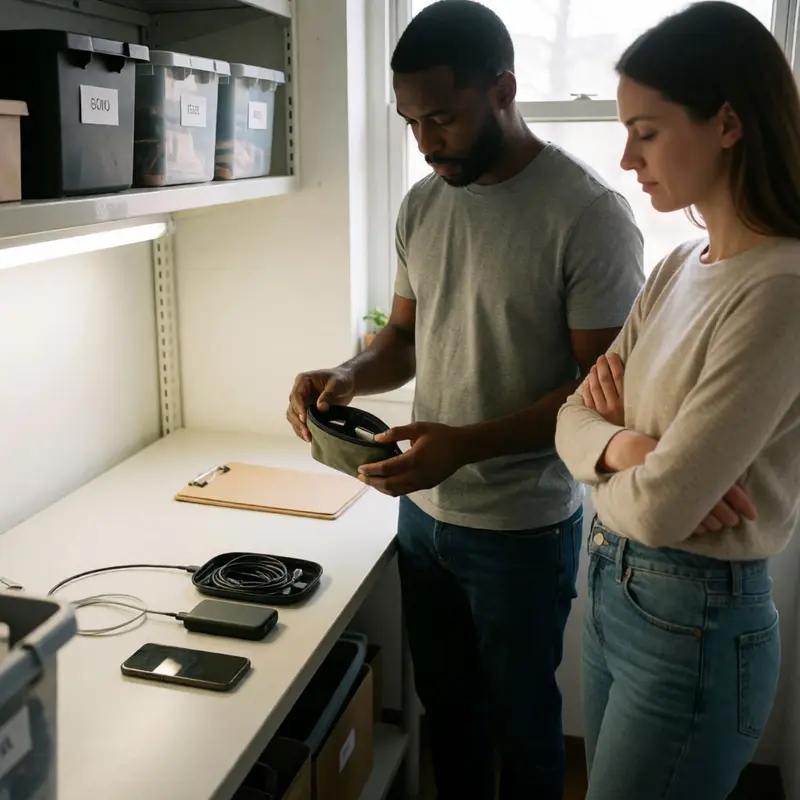
Strip a card reader out of your setup and you don’t eliminate overhead, you relocate it. That’s the honest version of what Tap to Pay on iPhone actually offers, and it’s worth being clear about that before counting the wins.
The wins are real. A dedicated reader is a physical object that has to be ordered, charged, paired over Bluetooth, and tracked. Adyen’s own iOS point-of-sale SDK includes built-in functionality specifically for managing that Bluetooth pairing layer, which tells you something: the connection between your phone and your reader is complex enough that it needs its own tooling. Lose the reader and you lose that entire surface area of things that can go wrong before a customer even taps.
With Tap to Pay on iPhone: the device you’re already carrying is the terminal. There’s no second battery to check before you leave the house, no pairing screen to wait through when your reader decides it’s forgotten your phone, and no spare hardware to account for if something gets left on a table. What you do need is an iPhone XS or newer, a current version of iOS, a passcode set on the device, and an active internet connection. The iOS requirement matters in practice: keeping your phone’s operating system current stops being optional the moment your payment capability depends on it. Account linking through your Apple ID also has to stay configured, and app permissions need to stay intact. That’s not a burden comparable to managing a fleet of Bluetooth readers, but it’s not nothing either, it just lives in your phone’s settings instead of in a charging cable.
For a reseller working solo across different locations, that trade usually lands in favor of one device. There’s nothing to pair, nothing to charge separately, and nothing to realize you’ve left behind when you’re already setting up at a market. The operational question is whether you trust your phone’s software environment the same way you’d trust a reader that does exactly one job.
Resilience and fallback paths: Offline mode and payment coverage

Connectivity is where the hardware-free setup earns an asterisk, and it’s one worth reading carefully. Tap to Pay on iPhone works over the internet, which means losing your signal isn’t just an inconvenience: it stops the whole line. Apple does support a Store and Forward mode on iOS 18.4 or later that queues payments when you’re offline and submits them once you reconnect, but access to that feature comes down to the payment provider you use. Adyen has enabled it for US merchants. Square and Stripe have not: their Tap to Pay implementations require a live connection. If you’re running on Square or Stripe and the café WiFi collapses mid-market, you’re done until connectivity returns.
Physical card readers don’t automatically solve this, most still route transactions live, but a dedicated reader running in offline mode through a supported provider can buffer payments in a way that Tap to Pay simply cannot in most deployments. That gap compounds at outdoor events or locations where cell signal is genuinely unpredictable.
Payment method coverage is the other place where phone-only acceptance shows its edges. Tap to Pay on iPhone handles contactless cards and mobile wallets. It does not handle chip insert or swipe, which means any customer who can’t pay contactlessly needs a fallback you may not have. Shopify flags this directly, recommending a paired card reader specifically so customers can insert a card and use a PIN when tap fails. Stripe makes the same recommendation, and then adds a wrinkle: only one reader connection can be active at a time, so adding a physical reader as a backup isn’t as clean as it sounds operationally.
Declines work the same way regardless of which setup you use, the issuer makes the call, and the right response is always to ask the customer to try another card or payment method. Where phone-based acceptance adds a layer is in software-specific failure modes: app errors and system issues that sit outside the issuer’s decision and require a different kind of troubleshooting than simply re-tapping a card.
For most one-on-one transactions in good signal, none of this surfaces. The question is what happens on the day it does.
Decision matrix: Signal stability and payment mix decide

The right call between tap to pay on iPhone vs a card reader comes down to two questions: how predictable is your selling environment, and how mixed is your customer base.
If you’re selling face-to-face in a stable location with reliable WiFi or cell signal, and your customers consistently pay with contactless cards or mobile wallets, the phone-only setup removes every physical bottleneck from checkout. No reader to charge overnight, no Bluetooth pairing to diagnose when it drops, no wait for a replacement unit if something breaks. You open the app, enter the amount, and the customer taps. That is the entire transaction surface.
The calculation shifts the moment either of those conditions gets shaky. Poor or inconsistent connectivity is a hard blocker on Square and Stripe implementations, as the previous section covered. Payment method coverage is the other pressure point: shoppers with chip-only cards or a dead phone battery run into a dead end unless you have a physical reader available. That dead end costs you a sale, and a dedicated reader added as a fallback reintroduces some of the hardware overhead you were trying to avoid.
A few scenarios where the dedicated reader earns its place:
- You sell at outdoor markets or events where signal is genuinely unpredictable and offline buffering matters.
- Your customer mix includes enough chip-only or swipe-only cards that turning people away would be a real pattern.
- You’re running multiple staff selling simultaneously and can’t share a single iPhone between them.
None of those situations make the phone-based approach wrong in general. They just make a dedicated reader the lower-friction option for that specific context, because friction accumulates from failed transactions.
For a solo seller working pop-ups, local pickups, or quick direct sales with decent signal, the iPhone in your pocket is already the checkout. The reader earns its keep only when the environment demands more than that.
Final thoughts
Tap to Pay on iPhone cuts checkout bloat most cleanly when your sales happen in good signal and your buyers already live in the contactless world. In that setup, removing the reader removes more than an object from your bag; it removes a whole layer of charging, pairing, carrying, and recovery when small hardware issues pile up.
The catch is simple and easy to miss: checkout bloat doesn’t disappear, it concentrates. In the tap to pay on iPhone vs card reader decision, the lighter setup wins only when your environment is doing some of the work for you. If signal is shaky or payment habits are mixed, it is worth making room for a separate card reader, because a failed sale creates its own kind of clutter.
Further reading


Leave a comment