















No products in the cart.

Shop this story
What Light Phone III users relearn when a $699 detox pulls them back in
by Anabel Figueroa
By Wednesday, a normal phone can make your attention feel like public property. That’s why screen-weary minimalists end up reviewing the Light Phone III: for $699, it sells the chance to stop carrying a slot machine in your pocket.
Ditching the slot machine gets messy fast. A phone this stripped down can feel like relief at 9 a.m. and an obstacle by 3 p.m., sometimes for the exact same reason. Admiring the idea of less comes easily. The hard part is deciding whether the frictions you lose are actually heavier than the ones you buy back.
Workflow audit: Two-day battery, real-world friction

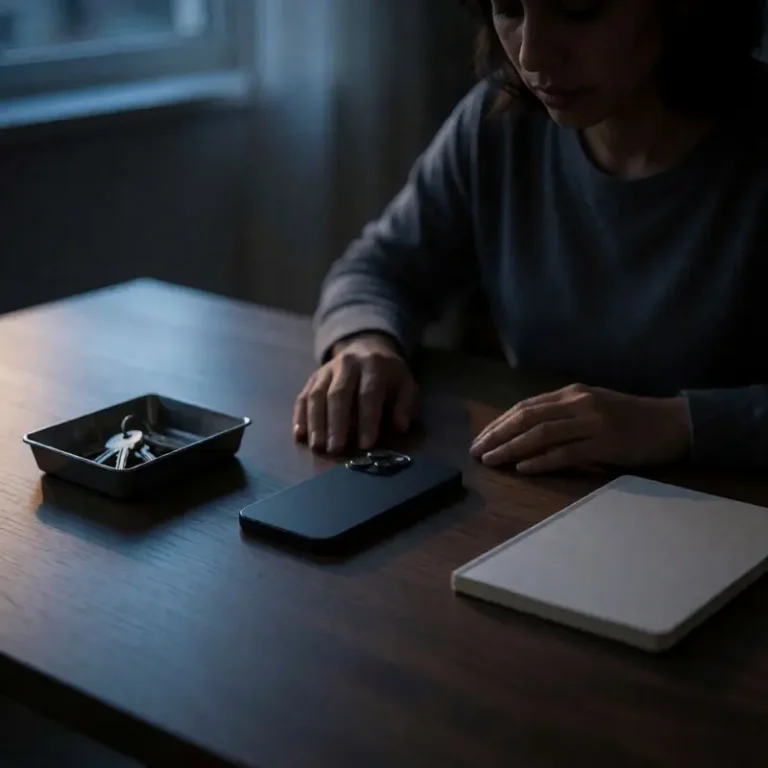
You put the phone down on Friday and picked it up Saturday morning expecting a dead battery. It had maybe thirty percent left, which is the first thing that genuinely surprises people who switch to the Light Phone III. A 1,800 mAh cell sounds like a punishment on paper, but the absence of background app refresh, push notifications, and a browser chewing through radio cycles means the device regularly makes two days without a charge. That gap between expectation and reality is a decent preview of how the whole workflow audit tends to go.
The phone’s functional inventory is deliberately short. Calls come through cleanly. Texting works, including group threads over SMS and MMS. The built-in tools cover the territory most people actually need on any given Tuesday: calendar, alarm, timer, voice notes, flashlight, navigation, and an NFC chip so you can still tap to pay at the coffee shop. Music and podcasts play. The camera takes pictures. The list stays exactly this size, because there is no app store and no web browser to fill in the gaps.
Where you feel the constraint most directly is in the small ergonomic moments. Autocorrect is absent, which sounds like a minor inconvenience until you’re thumbing out a three-sentence message and having to manually correct every rushed keystroke. The music player, reviewers have noted, lacks the polish you’d expect from a $699 device: controls are clunky enough to add real friction to a task that should be invisible. The absent autocorrect and clunky music player aren’t dealbreakers for someone who wanted to stop doom-scrolling, but they are the honest cost of a UI that prioritizes minimalism over refinement.
What the phone does well is eliminate the decision overhead around everything it removed. No social apps means no pull. No browser means the phone stays a phone. Whether that trade is worth making depends on which frictions you’re more tired of carrying.
Hardware audit: AMOLED sunlight readability, repairability still unproven
The screen shift alone changes the feel of the device more than any spec sheet suggests. The 3.92-inch AMOLED panel behind matte glass renders at 1,080 x 1,240, and the combination of high contrast and a non-reflective surface means you can read it in direct sunlight without cupping your hand around it. Anyone who spent time with the Light Phone II knows the E Ink display’s ghosting problem and its slight hesitation before registering a tap. The AMOLED version clears both of those up cleanly: touch response is immediate, typing feels proportional to the effort you put in, and the display reads as crisp rather than clinical.
The camera is more capable than the hardware’s philosophy would lead you to expect. A 50-megapixel main sensor with a dedicated two-stage shutter button handles the practical moments: a receipt you need to keep, a parking sign, your kid’s face. The front-facing 8-megapixel lens exists for video calls, which covers the actual use case without pretending to be a portrait studio. What you’re getting is documentation-grade photography, competent and unobtrusive, which fits the device’s entire logic.
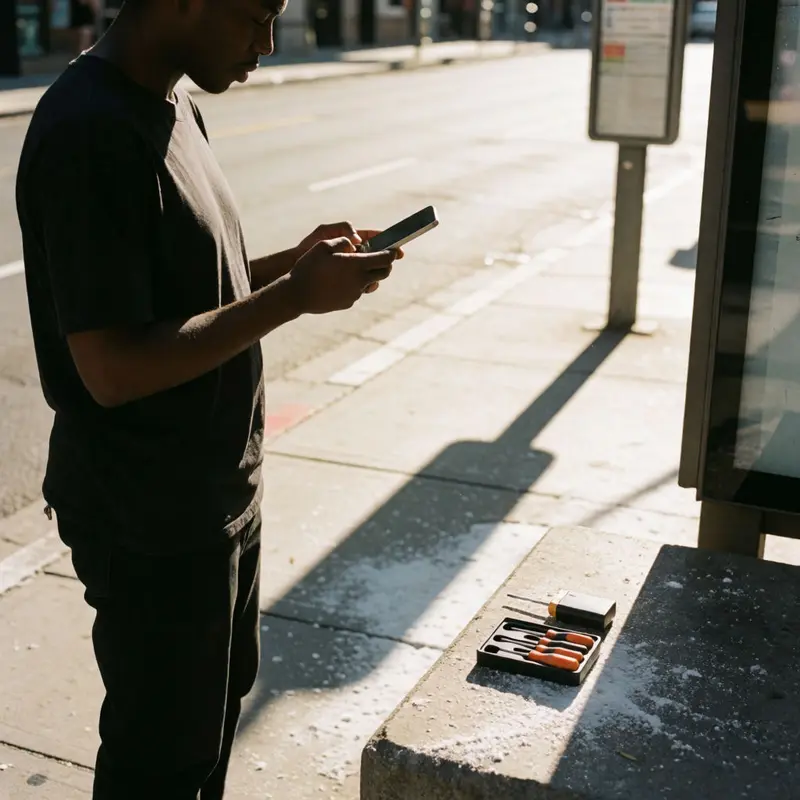
Serviceability is where the hardware story gets genuinely murky. The criteria that define repairability on any phone cover disassembly ease, whether standard tools work, whether spare parts are sold, whether repair documentation exists publicly, and how long software support runs. For reference, phones at the top of those rankings are designed so that a regular screwdriver and a tutorial video get you through most fixes. Whether the Light Phone III meets any of those criteria in practice remains unconfirmed in the available reporting. For a phone positioned as a long-term simplification rather than a two-year experiment, that gap matters. Paying a premium for intentional hardware and then finding yourself locked out of a battery swap three years from now would undercut the whole premise of owning something durable.
Platform audit: Promised features vs. working LightOS
Durability gaps in the hardware story connect directly to a similar gap in the software one: the Light Phone III ships with more built-in capability than most people expect, but the line between what’s promised and what actually works at any given moment is worth reading carefully.
The built-in suite covers the daily load without much friction. Calling, messaging, a music and podcast player, calendar, alarm, timer, flashlight, voice notes, NFC contactless payments, and turn-by-turn directions are all present out of the box. For a Light Phone III review, that list reads as more than sufficient for the use case: you’re trying to get from one place to another and keep up with the people who matter. Slack and Instagram are the heavy apps that would occupy the attention those core jobs require. Consumer Reports confirms it handles those core jobs without issue.
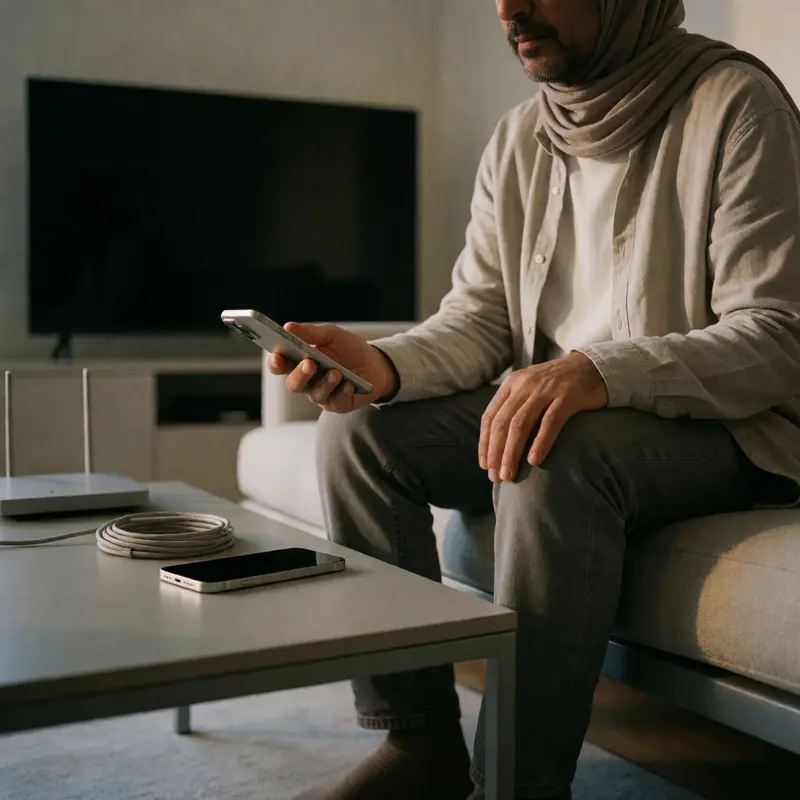
The friction is that some of that list remained inactive at launch. NFC payments, the front camera, and the fingerprint reader shipped on the hardware but weren’t yet functional in the software, which means what you’re buying at any moment is partly a device and partly a roadmap. Light has been updating LightOS steadily. Bluetooth media controls, podcast playback fixes, Directions performance, calendar alerts, and messaging cursor behavior are all in the changelog, which shows a company iterating, not abandoning. But there’s a meaningful difference between a feature that exists and one that works reliably today.
The longer-term picture is deliberately open-ended. Light has announced a developer SDK and a platform for sharing user-created tools, with a stated intent to keep it curated, non-commercial, and open-source. There’s no app store, no browser, no social layer, and that is the point. The developer initiative isn’t an escape hatch toward a fuller smartphone experience; it’s designed to extend the device without compromising what makes it worth buying. Whether the community builds tools you’ll actually use is a question nobody can answer yet, and that uncertainty is a real cost sitting inside an otherwise clear purchase decision.
Fit-for-purpose verdict audit: Who stays, who returns
Who this phone actually works for is a narrower group than the marketing might suggest, and being honest about that is the most useful thing a Light Phone III review can do at this stage.
The clearest fit is someone whose professional life doesn’t depend on a specific app. If you only need basic navigation that guides you from point A to point B, keep your music in a local library or a simple podcast feed, and rely on calls and texts instead of Slack threads or email chains with embedded documents, the Light Phone III gets you through the day without making the missing pieces feel obvious. The two-day battery means you charge it every other night instead of hunting for an outlet by 4 p.m. The 128GB of storage holds more music than you’ll get through in a month. The carrier list is wide enough that you’re almost certainly already on a compatible network.
The dealbreakers sort themselves into two types: structural and frictional. The structural ones are binary. No web browser means no last-minute lookups. No app store means if your work or your city’s transit system requires a specific app, that need doesn’t get met. Those aren’t gaps that updates will close, and going in with the expectation that they will is a setup for frustration.
The frictional ones are slower to surface. The lack of autocorrect and a music player that requires patience are friction you’ll feel daily, not once, and the UI’s rough edges are real enough that Engadget used the word frustrating in their headline. For someone who genuinely wants less phone, that friction might be a fair trade. For someone who wants a cleaner version of the phone they already have, it won’t be.
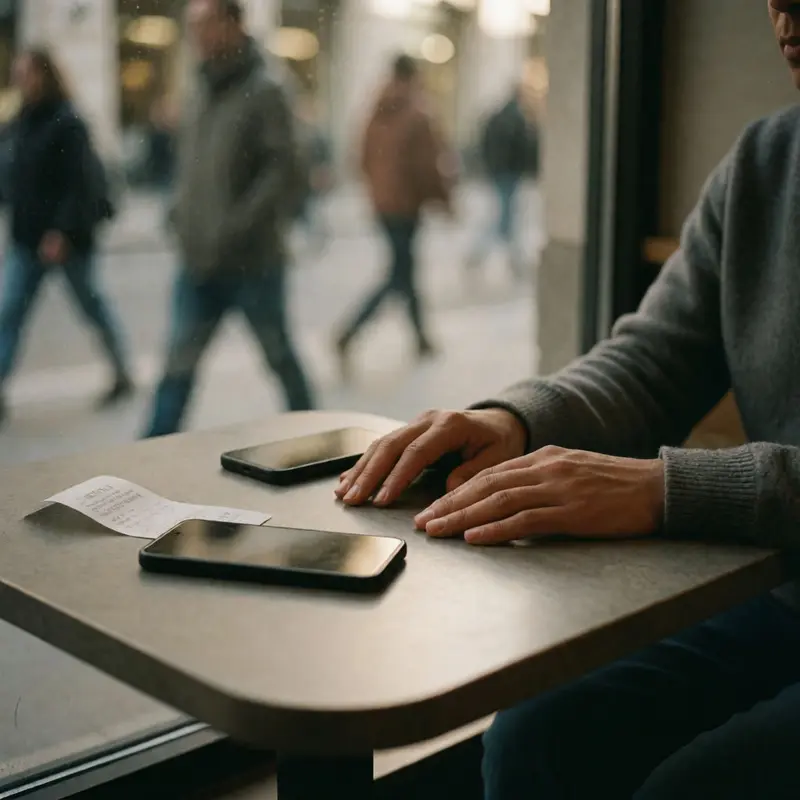
The return-to-smartphone trigger is usually the moment when the phone asks you to tolerate one more thing you didn’t anticipate. It’s rarely dramatic. It’s a group thread that migrates to an app you can’t install, or a boarding pass that won’t load, or an afternoon when the music player skips and you’re already late. The phone is worth what it costs if you can name, in advance, the things you’re genuinely willing to give up. If that list surprises you after purchase, the experiment ends there.
Final thoughts
The Light Phone III earns its $699 price only when you treat it as a workflow audit you can carry, because the real purchase is a narrower daily life with fewer digital demands. That can feel unusually calm, and it can also expose how many of your routines quietly depend on software you stopped noticing.
The Light Phone III gets judged on fit more than feature count. The phone holds its line, which means the adjustment lands on you: your habits, your workarounds, your tolerance for a little friction in exchange for a lot less pull. If that trade already sounds like relief, the device makes sense. If it sounds like constant translation, the smarter minimalist move is keeping your smartphone and changing the rules around it.
Further reading


Leave a comment