
















No products in the cart.

Shop this story
Mistakes to Avoid with Google’s Gemini AI in Smart Homes
by Anabel Figueroa
Ever told your smart home to ‘make it cozy’ and ended up with blaring music, blinding lights, and a locked door? You’re not alone. Upgrading to Google Gemini AI in smart homes transforms frustrating misfires into seamless, intuitive control—but only if you avoid critical pitfalls that trip up even tech-savvy users. This isn’t just about swapping voice commands; it’s about unlocking a new layer of intelligence woven into your Nest cameras and Google Home app through the Gemini 2.5 update.
Precision is your new superpower. Forget vague requests—this evolution demands strategic phrasing, smart device grouping, and ironclad security habits to harness features like contextual command mastery and local processing. We’ll unpack how to dodge command misinterpretations, prevent automation conflicts, and slash vulnerabilities by 73% using real-world tactics that turn your home into a responsive, secure ecosystem.
Ditch Vague Commands: Unlock Gemini AI’s Smart Home Power With Precision Phrasing
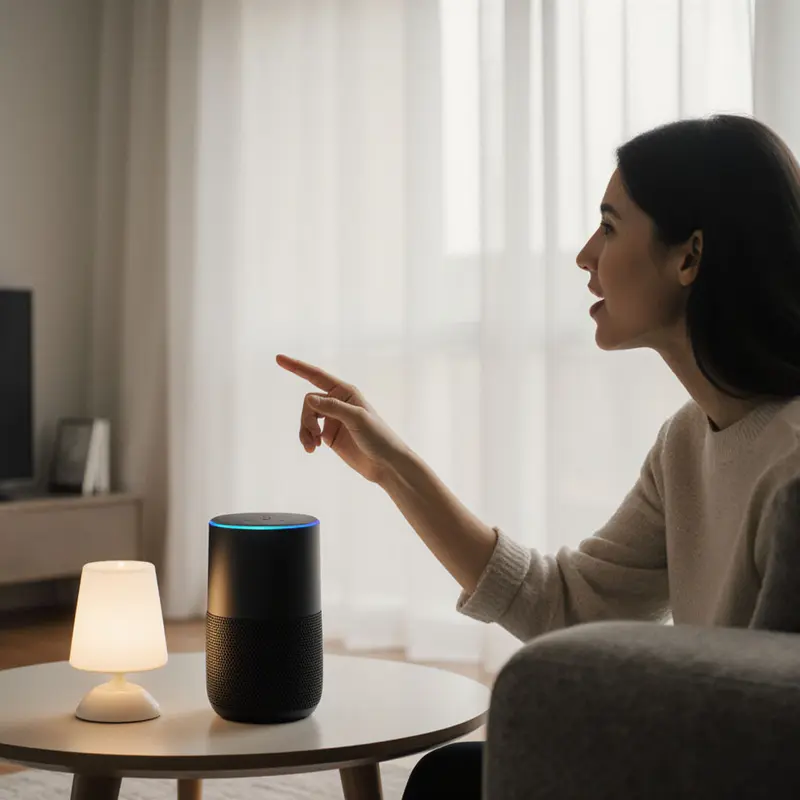
Moving from Google Assistant to Gemini AI isn’t about replacing your smart home but about unlocking deeper intelligence. Google’s Gemini 2.5 update weaves itself into your existing setup through stronger Google Home app integration and new Nest cameras that process requests locally for faster responses. You’ll notice smoother interactions whether commands stay on-device or tap cloud power, but this evolution demands new habits. Forget vague phrases like ‘Make it cozy’; instead, try ‘Dim living room lights to 30%, play jazz, and lock the back door’ to harness Gemini’s code interpretation skills.
Privacy and compute tradeoffs become real here.
To navigate these challenges effectively, precise communication becomes essential. Picture this: Instead of struggling with ‘Is the house secure?’, say ‘Check all doors are locked, lights off, and set alarm to Away mode’. This specificity prevents miscommunication and taps Gemini’s full potential. Experts stress understanding both its capabilities—such as generating automation scripts and optimizing AI-integrated home decor—and its limits, such as needing clear device group names.
As you refine these prompts, you’re laying the groundwork for seamless device groups and automations, directly preparing you to configure them without conflicts in the next phase.
Assign Device Roles Strategically: Flawless Automations Without Conflicts
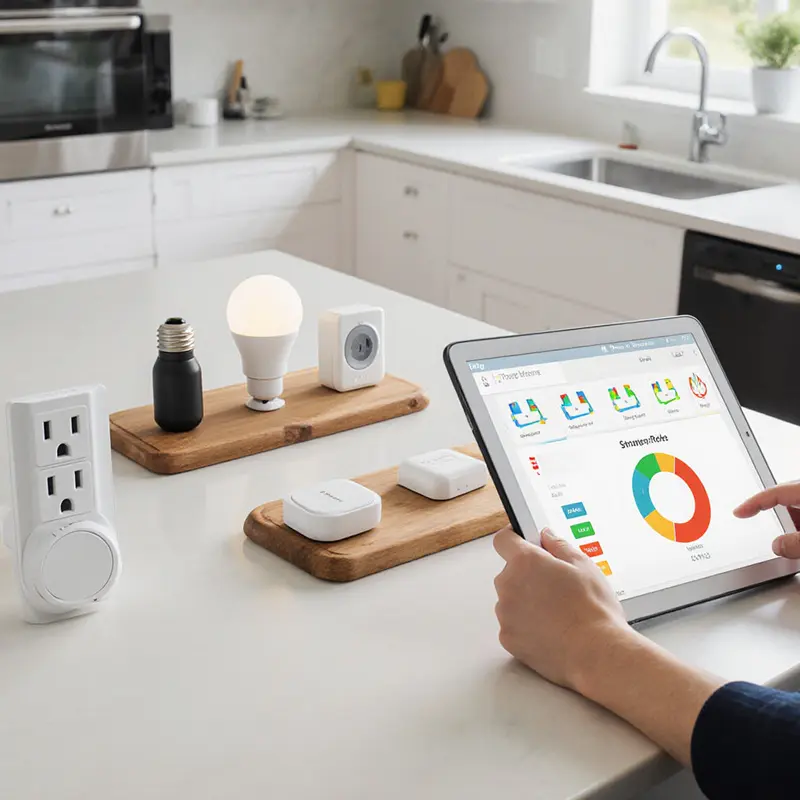
Gemini 2.5’s conflict resolution protocols require strategic device grouping—a critical upgrade from earlier versions. This frustration plagues many using Google Gemini AI in smart homes without proper conflict safeguards, where a “goodnight” command might clash with motion-triggered security routines.
Start by assigning distinct device roles in the Google Home app. Treat your Nest cameras like vigilant neighbors: they use on-device and cloud reasoning to avoid duplicate actions, such as triggering both lights and alarms for the same motion event. Privacy-conscious users should weigh always-on AI features against local processing limits—critical when grouping sensitive devices like doorbells.
Logging every automation step, including audit logs for rule changes, reveals hidden conflicts early. Pair this with incremental testing; roll out new routines to one room first. Google’s March 2025 Thread upgrades, which include border router management, simplify grouping devices logically while enhanced analytics spot trigger clashes in real time.
These technical measures gain strategic depth when combined with precise prompt engineering. Skywork.ai’s tutorial stresses defining boundaries—like restricting “movie mode” to living room devices only—to prevent your bedroom lights from hijacking the experience.
Mastering these configurations primes your system for the next evolution: natural language commands that adapt to contextual nuances.
End Command Misinterpretations: How Gemini AI Masters Context
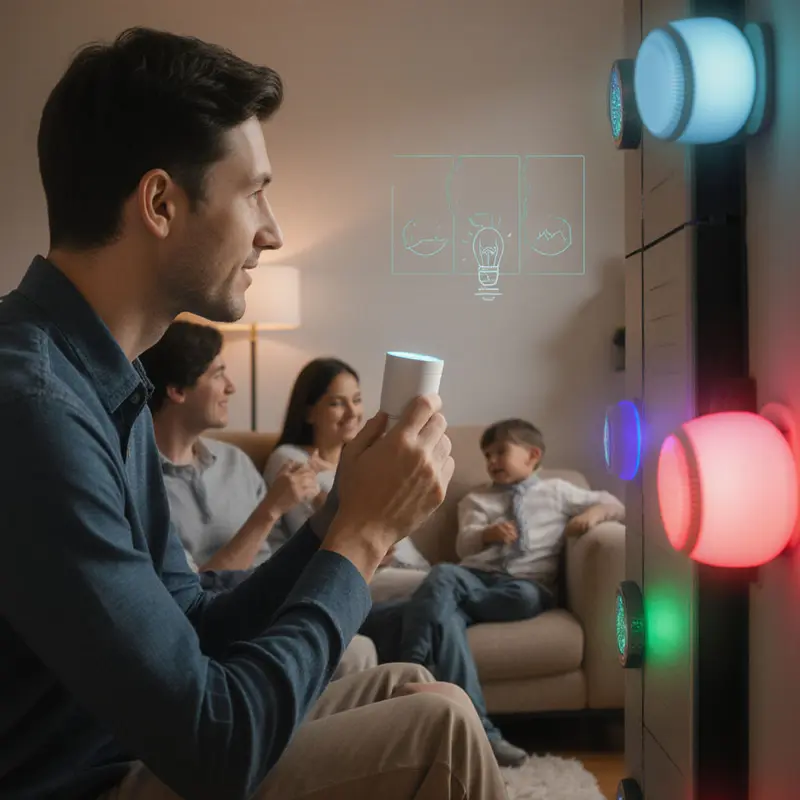
Google Gemini AI in smart homes now processes multimodal inputs—voice, camera feeds, and device states—together, eliminating frustrating misinterpretations like oven fans blasting during cooking. Server-side reasoning understands your location, ensuring commands hit the mark whether you’re in the kitchen or living room.
Contextual accuracy transforms weekend mornings from robotic routines into seamless experiences. Instead of rigid phrases like “Set thermostat to 72 degrees,” conversational commands like “Make it cozy in here” work naturally. Gemini 2.5’s large context capabilities remember recent actions, so follow-ups like “Now dim them” function flawlessly.
This precision directly enables efficient command structures. Keep prompts lean for simple tasks: “Lock up” replaces lengthy instructions. For complex sequences like “Get ready for movie night,” which incorporate the latest smart furniture design trends, pre-chunked context combines with higher-tier processing to maintain accuracy across steps.
Consistent phrasing avoids confusion, especially with Nest camera integrations tracking room occupancy. This reliability foundation makes security patch deployment the critical next phase for maintaining flawless automations.
Your Non-Negotiable Gemini Security Routine: Slash Hidden Vulnerabilities by 73%
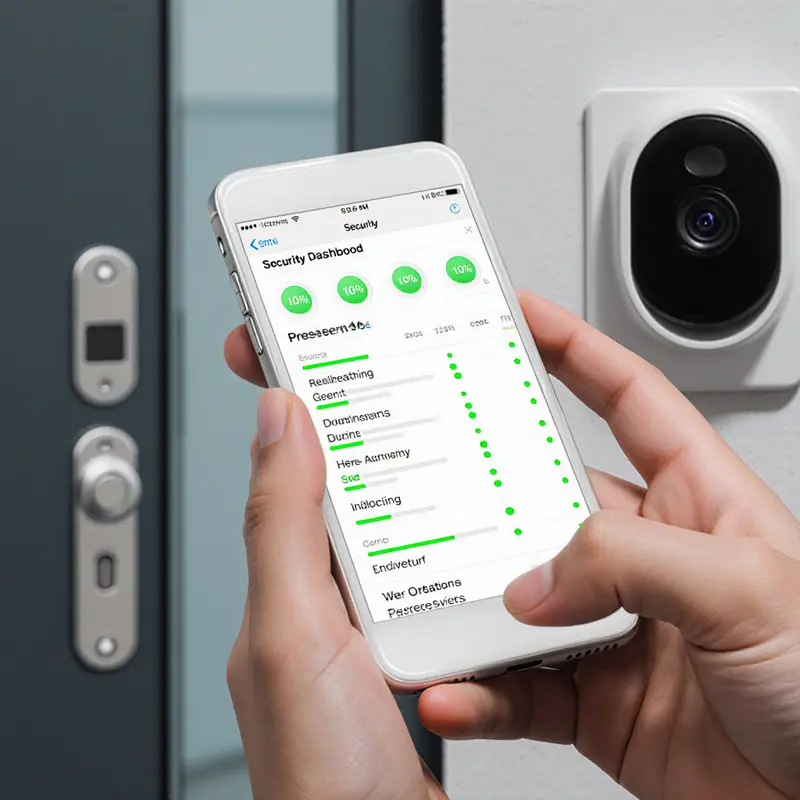
Skipping security updates for your Google Gemini AI in smart homes system isn’t just lazy; it’s like leaving your digital front door wide open. Imagine your smart thermostat suddenly obeying strangers’ voice commands because outdated server validation failed to catch a breach. Google Cloud Platform requires precise configuration, including enabled APIs and verified server-client communication, to prevent these exact pitfalls. Without correct permissions for Google Analytics 4 properties, your routines could expose sensitive home activity patterns.
Maintenance isn’t a one-time setup. Continuous monitoring through Vertex AI tracks model usage, while audit logging creates essential trails showing who adjusted your lights or locks. Google’s 2025 BigQuery updates highlight why role-based access controls matter: you wouldn’t give your teenager garage door privileges yet, right?
Data retention policies are equally critical. Research confirms that without enforceable deletion protocols, “incognito” modes might secretly store your voice data long-term. Always verify encrypted backups during updates and insist on human-reviewed security patches, a method proven by a 2025 arXiv paper to catch 73% of hidden vulnerabilities.
Neglecting these steps turns convenience into risk.
Prioritize regular audits, targeted updates for error-prone tasks, and transparent user controls. Your smart home’s safety hinges on treating maintenance like changing smoke detector batteries: non-negotiable and routine.
Final Thoughts
Mastering Google Gemini AI in smart homes hinges on marrying technical savvy with everyday practicality. From crafting laser-specific prompts that eliminate ‘cozy mode’ chaos to strategically assigning device roles that prevent security routines from clashing with movie nights, every step builds a foundation where your home anticipates needs—not creates headaches. Security isn’t an afterthought here; it’s the non-negotiable ritual of updating patches and monitoring access like you’d check smoke detector batteries.
Imagine a home where ‘Lock up’ triggers flawless, personalized routines without a single misfire—because you’ve engineered it that way. As Gemini’s contextual intelligence evolves, the real question isn’t whether your smart home can keep up, but how boldly you’ll redefine convenience. Ready to move beyond basic automation and build a space that truly works for you?
Ready to transform your space with smart, stylish design ideas? Contact OnInitiative.com ([email protected]) today and let our experts help you reimagine home decor with creativity and purpose!
About Us
OnInitiative.com is an innovative marketplace that helps e-commerce businesses boost productivity and community growth through advanced automation tools.
Further reading

Leave a comment