













No products in the cart.

Shop this story
LLaMA or OpenAssistant? The 2026 guide for DIY AI tinkerers
by Joseph L
Running a model locally used to mean accepting tradeoffs you couldn’t ignore: slow replies, constant out of memory errors, or a workflow that only works on paper. That’s why the Llama vs OpenAssistant local AI choice hits harder than it sounds. You’re not picking a brand. You’re picking what kinds of friction you’re willing to live with.
The tricky part is that “best” depends on what fails first in your setup. Is it VRAM, time, budget, or trust in the outputs? One model might feel snappy until you tune it. Another might feel helpful until your hardware gets tight. If you care about building a reliable loop you can iterate on, you can’t treat this as a scoreboard problem. It’s a systems problem.
Performance metrics: When a 70B model fits on one GPU
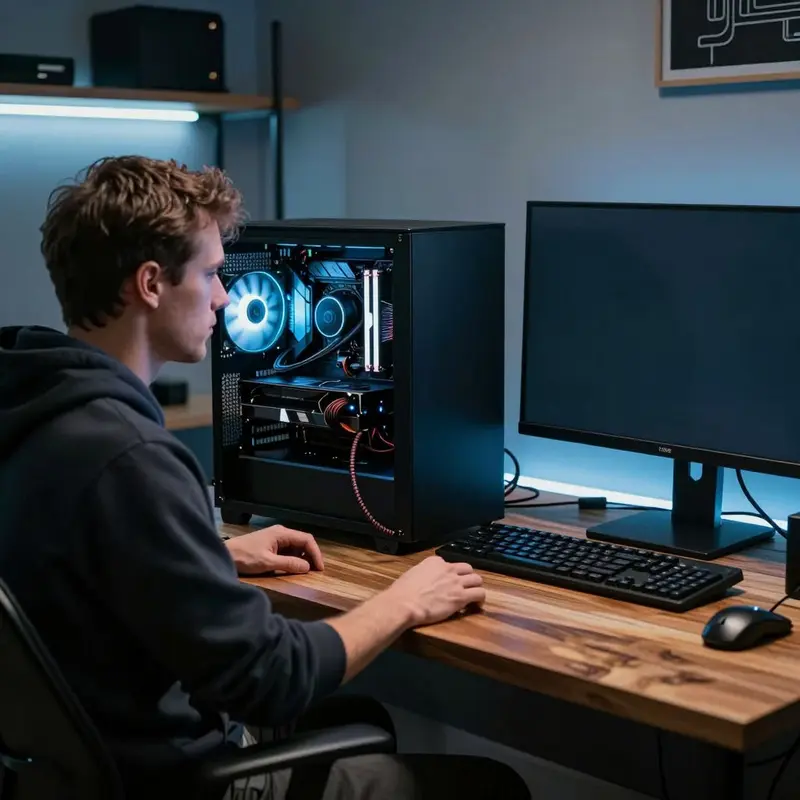
When a 70-billion-parameter model finishes training in 17 hours on a single GPU, the benchmark conversation changes for every DIY AI tinkerer working out of a home lab or a rented cloud instance.
That’s what researchers achieved with LLaMA-2 70B, using a combination of QLoRA fine-tuning and Flash Attention 2 to compress a job that’d normally demand a rack of hardware down to a single A100 40GB GPU. The result: 39.56 GB of GPU memory consumed, with a mere 0.0247% of the model’s parameters flagged as trainable. For you, that number reframes what “accessible” actually means when it comes to running large models locally.
The broader LLaMA family has been engineered with this kind of efficiency in mind. Techniques like KV-cache eviction and careful data selection aren’t just engineering footnotes; they’re the reason you can pull a capable model onto consumer-grade hardware without immediately hitting a memory wall. Llama-3.1 8B has been successfully fine-tuned on ROCm GPUs, which means AMD hardware owners aren’t locked out of the performance tier that once required NVIDIA-exclusive tooling.
OpenAssistant sits at a different point on the same map. Where the LLaMA family is optimized heavily around inference speed and memory footprint, OpenAssistant’s architecture prioritizes conversational alignment and community-driven training data. In practical terms, that distinction shows up in how each model behaves under constrained conditions: LLaMA-family models tend to stay responsive as you squeeze available VRAM, while OpenAssistant can degrade more noticeably when headroom shrinks.
The honest framing for the Llama vs OpenAssistant local AI comparison isn’t which model scores higher on an abstract leaderboard. It’s which model stays useful when your hardware has limits, your latency budget is tight, and you’re iterating without a dedicated MLOps team.
If you’re trying to hit these benchmark speeds in your own setup, don’t treat “fast” as a free label. Treat it like a bill with line items: GPU hours, memory headroom, and the fine-tuning runs that don’t survive the first validation pass. Do that accounting before you write a single line of training code, and you’ll know whether you’re building a productive tinkering loop or signing up for a frustrating one.
Cost dynamics: When local hardware actually beats APIs
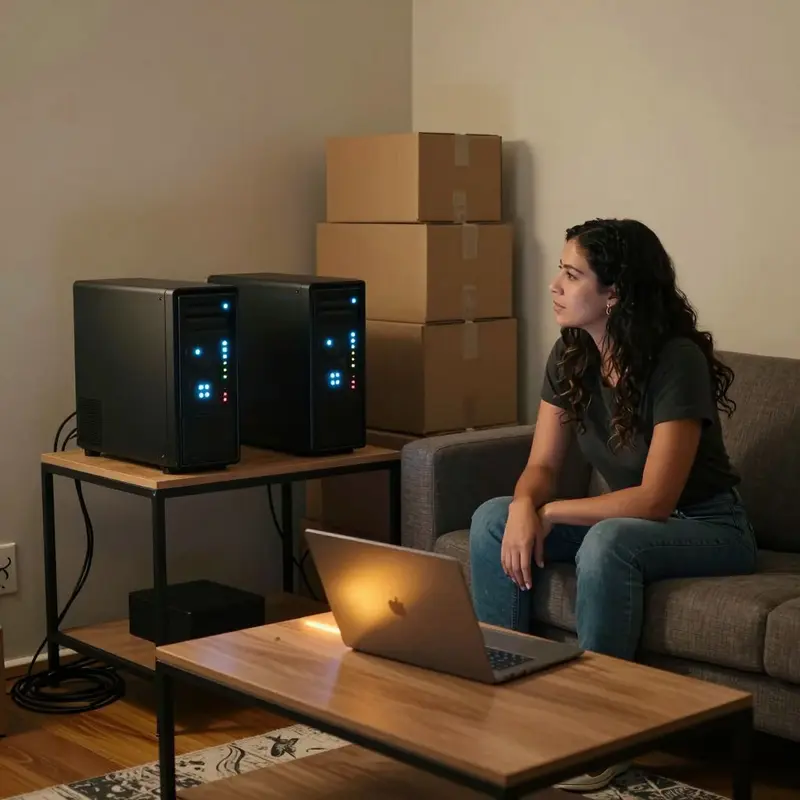
That accounting work from your benchmark runs has a natural next destination: figuring out whether local hosting actually saves you money over time, or just shifts costs into a form that feels less visible. The answer depends less on which model you choose and more on how much you’re actually running.
Hardware is the honest entry price. A capable local setup for serious inference work lands somewhere between $15,000 and $30,000 upfront, depending on your GPU configuration and memory headroom. That number can feel like a wall, but the ongoing costs after that initial spend drop to somewhere between $7.92 and $15.84 per month. For context, API bills at meaningful usage volumes don’t stay that low for long.
The break-even question is where the total cost of ownership calculation gets genuinely interesting. For medium-scale deployments, the break-even duration where local costs equal API spend spans anywhere from under four months to just over two and a half years, depending on your model choice and what API you’re comparing against. That’s a wide range, which means the math is sensitive to your actual usage pattern. If you’re running light and irregular workloads, the economics don’t favor going local. If you’re pushing consistent, high-volume inference, you’ll cross that break-even line and start stacking real savings.
The sweet spot, based on usage patterns where on-premise solutions consistently outperform cloud APIs on cost, sits at roughly 10 to 50 million tokens processed monthly. Below that floor, API convenience usually wins on pure economics. Above it, you’re leaving money on the table by not owning your stack.
This is exactly where the Llama vs OpenAssistant local AI comparison becomes a cost question as much as a capability question. Smaller, leaner models handle administrative and structured tasks efficiently without requiring the hardware ceiling that larger models demand. That means your architecture choice directly shapes your TCO trajectory, not just your output quality.
Local and hybrid deployments also eliminate the recurring per-token charges that quietly compound in the background, and they add a privacy dividend that API calls simply can’t replicate. Those aren’t soft benefits. For certain workloads, they’re the deciding factor.
Once you’ve got the TCO math pinned down, the next question is whether the system you’ve built is actually pleasant to work with day to day, and whether the people using it agree.
User experience: Alignment, satisfaction, and real-world feel
Picture yourself three weeks into running a local model. The hardware bill is paid, the inference server is humming, and you’ve sent a few hundred prompts through it. That’s when the real question surfaces: not whether it runs, but whether it feels right to use.
This is where the Llama vs OpenAssistant local AI comparison stops being abstract. Both models can generate coherent text. What separates them in daily use is how well each one’s been trained to follow what you actually ask, not just predict the next plausible token. That gap gets bridged by instruction tuning, and the quality of that tuning is something you feel before you can explain it. Responses from a well-tuned model land cleanly. Responses from a poorly tuned one make you reread your own prompt, wondering if you phrased it wrong.
Satisfaction, it turns out, is less about raw capability and more about alignment. Models shaped by reinforcement learning from human feedback tend to stay closer to what users actually want from a given exchange. You’re not just getting fluency; you’re getting a system that treats your intent as the target, not a suggestion. OpenAssistant was built with this explicitly in mind, prioritizing transparent, community-driven alignment over proprietary pipelines.
There’s a genuine usability tradeoff to reckon with here:
- Closed-source models like ChatGPT and Claude consistently score higher on standardized benchmarks, including Chatbot Arena head-to-head evaluations, which reflects their investment in alignment at scale.
- LLaMA-based setups give you full control over the instruction-tuning process, meaning you can shape behavior for your specific workload rather than inheriting defaults designed for a mass audience.
- OpenAssistant prioritizes transparency in how its alignment was built, which matters if you care about understanding why the model behaves the way it does, not just whether it behaves.
Knowing this reframes the satisfaction question. The best-performing model in a controlled benchmark isn’t automatically the most satisfying model for your bench.
Users also come in expecting AI to be objective, and that expectation shapes how useful any model feels in practice. When A model hedges for no good reason or drifts from the prompt, perceived usefulness drops fast, no matter how impressive the underlying architecture is. If your workload involves precise, factual queries, you’ll want to test both options against your actual prompts, not synthetic evals, before committing.
Getting the day-to-day experience right is a prerequisite, not a bonus. The models advancing fastest in 2026 are the ones closing the gap between benchmark performance and real-world feel, and that trajectory will reshape what’s worth running locally next.
Future outlook: When local AI stops being a lab-only toy
Llama-3.1 8B running QLoRA fine-tuning on an AMD GPU isn’t an edge case or a workaround anymore. It’s a documented, reproducible workflow, and that single shift tells you more about where 2026 is headed than any roadmap announcement.
The hardware gate is lifting. What used to require a specific NVIDIA stack now runs on ROCm with the same fine-tuning steps: load the model, configure quantization, merge the weights. That accessibility matters because it expands what you can actually attempt on your own setup. If you’ve been sitting out fine-tuning because your hardware wasn’t the “right” kind, that excuse is expiring.
The scale ceiling is also moving. Fine-tuning a 70-billion-parameter model on limited GPU resources is achievable today using QLoRA paired with Flash Attention 2, not as a research curiosity but as a practical path. The gap between what a well-resourced lab can do and what you can do on your own machine is narrower than it’s been at any point in this field’s history.
That said, the choices you make in the Llama vs OpenAssistant local AI space are increasingly shaped by one underappreciated problem: evaluation.
LLM-based judges, which many people use to quickly score their fine-tuned models, carry measurable biases when evaluating student models. Layering a meta-judge on top can improve reliability, but it adds cost and introduces its own sensitivity to how prompts are worded. The practical takeaway is this: don’t let an automated judge be your final authority on whether a fine-tune worked. Run it against your actual use cases.
Storage and inference hardware is also shifting underneath the software. Architectures built around 3D NAND flash are showing real throughput and latency improvements over traditional GPU-memory setups, which signals that the bottleneck in local inference is moving away from compute and toward memory bandwidth and storage design. You don’t need to redesign your rig today, but it’s worth knowing which direction the pressure is coming from.
So here’s the bet for 2026: don’t optimize for someone else’s benchmark, and don’t trust a judge you haven’t validated. The models worth running locally are the ones you’ve pressure-tested against your own workflows, then kept iterating until the results hold up in the places you actually care about.
Final thoughts
The real divider isn’t model family. It’s whether your local AI stack can survive contact with reality, meaning messy prompts, limited hardware, and the need to ship something you’ll still trust next month. Once you see that, the choice stops being about picking a winner and starts being about designing a repeatable practice.
Think of every “fast” or “aligned” claim like a bill with line items: compute, iteration time, and evaluation you actually believe. If you can’t explain why a run looks better, you don’t own the improvement, you’re renting it from the metric. The best Llama vs OpenAssistant local AI setup in 2026 is the one you can measure honestly, tune without drama, and keep useful as the ground shifts under your hardware and your tasks.
Further reading
Leave a comment