














No products in the cart.

Shop this story
The honest truth about BenQ ScreenBar for remote work regulars
by Elizabeth H
Remote work has a weird lighting problem: you can feel tired and unfocused long before you can name the cause. One day it’s headaches, the next it’s a washed out webcam, and somehow your desk still looks “fine.” That’s why any BenQ ScreenBar review for remote work needs to be more than a quick brightness check.
A light bar sounds like a small upgrade until you realize it changes the one thing you stare at all day, your screen and the space around it. The hard part is separating real comfort from expensive placebo. The right lamp disappears into your routine. The wrong one becomes another gadget you babysit, or worse, a premium fix for a setup that’s broken in ways a light can’t touch.
Performance audit: How the ScreenBar actually lights your desk
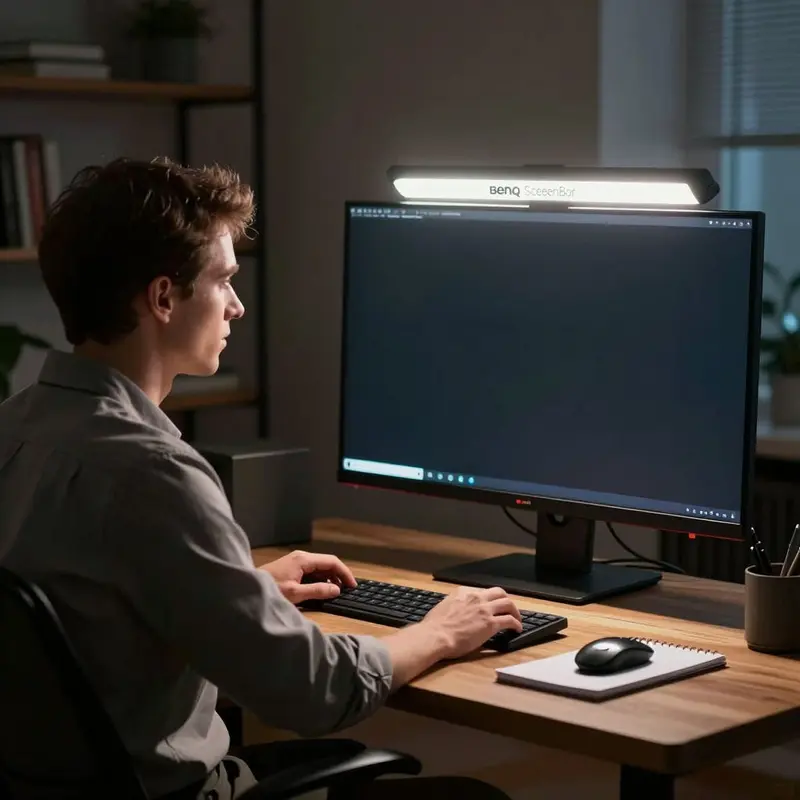
Remote workers already know that a poorly lit desk isn’t just an aesthetic problem. It’s a productivity tax. Your eyes strain by midmorning, your camera washes you out on calls, and the ambient glow from a window turns your screen into a mirror. That specific frustration is exactly where the BenQ ScreenBar is designed to intervene, and whether it actually delivers is what makes a thorough BenQ ScreenBar review for remote work worth doing carefully.
The first thing to understand about the ScreenBar’s light distribution is that it isn’t symmetric by accident. BenQ engineered an asymmetrical optical design to project light downward onto your desk surface rather than outward toward your screen. The practical result is that your monitor stays reflection-free even when the lamp sits directly above it, which is a real structural advantage for anyone who spends long hours on video calls or document-heavy work. Most desk lamps solve brightness and create a new glare problem in the same move. The ScreenBar is built to avoid that tradeoff.
Build quality reinforces the case. Independent evaluation by Tom’s Hardware of the ScreenBar Halo specifically calls out its premium construction, and spending time with any unit in the line confirms the engineering feels deliberate rather than decorative. The auto-dimming feature reads ambient light conditions and adjusts output accordingly, which means the lamp isn’t just bright, it’s calibrated. Even contrast across your workspace is the goal, and the system pursues that without requiring you to make manual adjustments every time the light through your window shifts.
Desk size matters more than most buyers anticipate.
BenQ’s own guidance draws a clear line at 47 inches: one ScreenBar is sufficient for desks below that threshold, and larger setups benefit from a second unit. This isn’t a sales tactic; it’s a function of how light spreads across a surface. A single lamp on a wide desk creates an uneven field, with a bright center and noticeably dimmer edges. Understanding your workspace dimensions before purchasing is the kind of practical detail that separates a well-matched setup from a frustrating one.
Some models in the line also include a built-in ambient backlight, extending coverage beyond the immediate work surface to reduce the contrast between screen brightness and the wall behind it. For remote workers logging extended hours in a home office, that secondary function moves the ScreenBar from a point-source lamp into something closer to a complete lighting solution. That next question, whether that solution fits your specific monitor and workspace configuration, is where the real compatibility decisions begin.
Compatibility study: Will the ScreenBar really fit your setup?
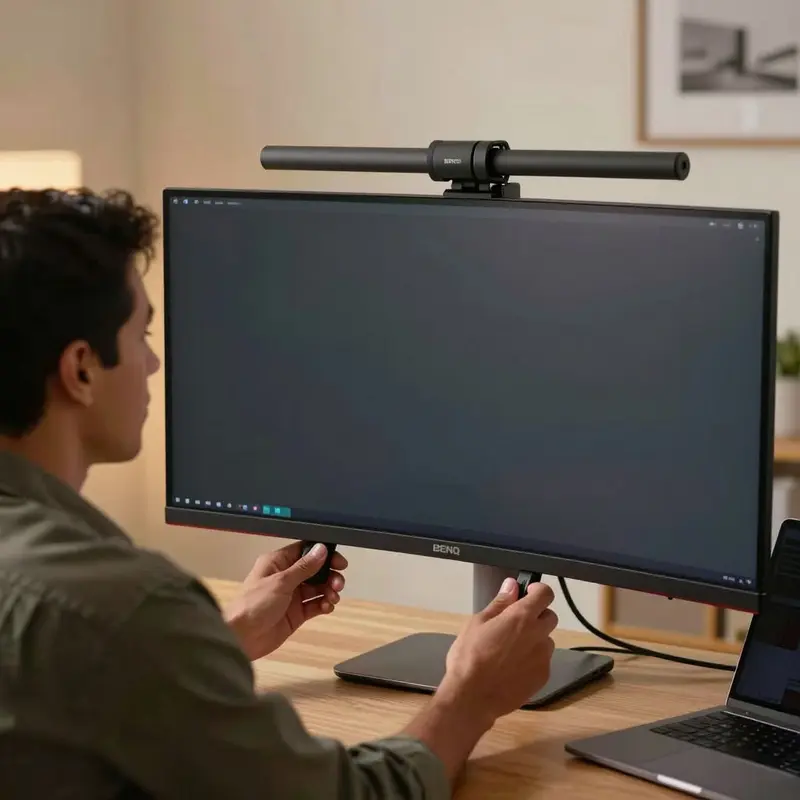
The compatibility question has a more forgiving answer than most buyers expect. The ScreenBar’s mounting clip is designed to span both flat and curved monitors, which removes what’s typically the first point of hesitation. Whether your screen bows gently outward or sits perfectly planar, the clamp mechanism adapts without tools or additional hardware.
Where placement matters more than monitor geometry is depth. For the bar to deliver its asymmetric downward throw cleanly, your monitor needs to sit somewhere in the range of 20 to 40 inches from your eyes. Most home office setups land naturally inside that window, but if you’re working from a compact desk with your screen unusually close, the light distribution shifts in ways that reduce its benefit.
The BenQ ScreenBar review for remote work community tends to surface one recurring tension: the gap between what the standard ScreenBar offers and what the Halo 2 adds. The Halo 2 includes an ultrasonic proximity sensor with a detection range centered around 23.6 inches, which means it can tell when you’ve left your desk and adjust accordingly. For a setup that runs long, uninterrupted hours, that kind of automatic response isn’t a gimmick. It’s the difference between a light you manage and a light that manages itself.
The Halo 2 also achieves 500 lx of illuminance at the work surface, putting it comfortably in the range where reading and detailed screen work stay comfortable across extended periods. Practically, that means you’re not squinting to compensate for an underpowered lamp at hour six of a video call day.
Workspace fit, though, isn’t purely about light output. A monitor placed directly in front of a window, or pushed against a bright back wall, creates competing light sources that undercut the ScreenBar’s glare-reduction function. The bar works most effectively when it operates as the dominant light source in your immediate sightline, not one of several competing for attention. A quick scan of where ambient light enters your room will tell you more about whether the ScreenBar will perform well for your specific setup than any spec sheet can.
In other words, compatibility isn’t just whether it clips on. It’s whether the light stays predictable once your desk, your window, and your habits start pushing back, and that’s where real-world comfort feedback and price-to-value reasoning become the more revealing tests.
User feedback analysis: Comfort that slowly justifies the price
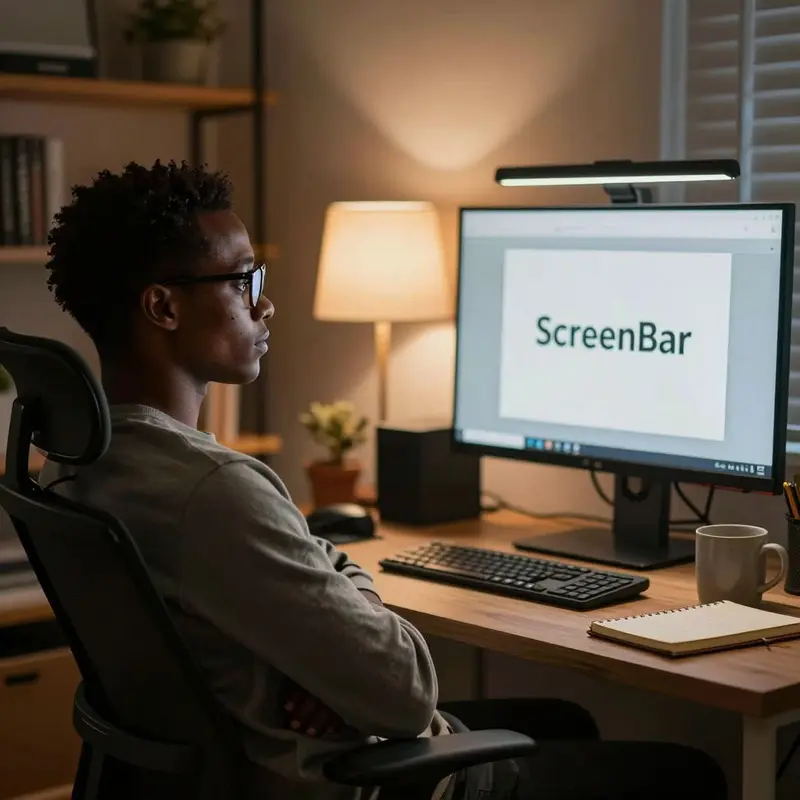
Picture the end of a four-hour afternoon session: your eyes aren’t burning, you haven’t reached for the brightness slider once, and the light on your desk looks almost exactly the same as it did when you opened your first document. That experience, consistently reported by long-term users, is the most persuasive data point in any honest BenQ ScreenBar review for remote work.
The comfort case is grounded in specifics. The asymmetrical optic design directs light downward onto your desk rather than forward into your eyes, and the Halo 2’s 8-section reflector spreads that output without the hot spots or glare that cheaper bars produce. TechRadar found that users experienced meaningfully reduced eye strain over extended sessions, which isn’t a minor quality-of-life footnote. When fatigue is a compounding cost you pay across every working day, lighting that genuinely keeps it in check earns its keep.
The Halo 2 maintains 500 lux across a working area of roughly 33.5 by 19.7 inches, which covers most standard desk setups without requiring any repositioning. The auto-adjust brightness feature adds to that: the light reads your ambient conditions and compensates quietly, so you aren’t re-calibrating every time a cloud crosses your window. Add the motion sensor, and the bar wakes and sleeps on its own schedule. For people who spend long hours at a single station, these features remove friction rather than create it.
Where user sentiment gets more complicated is price. The Halo 2 sits firmly in premium territory, as Tom’s Hardware labels it, and a recurring theme in owner feedback is the internal negotiation buyers work through before committing. The comfort gains are real. The question is whether those gains justify the cost relative to mid-range alternatives.
Most long-term owners land on yes, but with one caveat worth noting: the wireless controller occasionally loses its pairing, requiring a simple power cycle to reconnect. It comes up often enough in feedback that it reads as a product-level friction point rather than an isolated defect.
The split verdict that emerges from user data is telling. Owners who prioritize sustained comfort tend to view the price as justified over time. Those evaluating on pure feature-per-dollar terms find the calculus tighter. Neither position is wrong; they’re weighting different things.
To make that trade-off feel less theoretical, it helps to get specific about what the controls change minute to minute, and how much of the experience depends on whether you’re reaching for a physical dial or picking up your phone.
Technology benchmark: When manual controls meet quiet automation
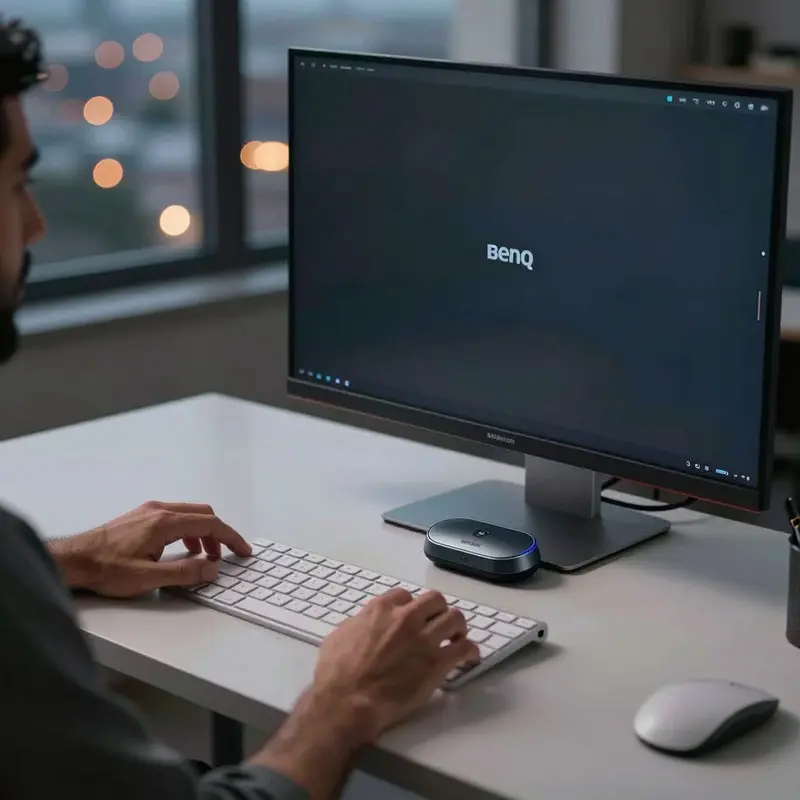
The BenQ ScreenBar Halo 2’s wireless controller is a rechargeable unit with a power switch on its underside, and that physical detail tells you something right away: this is hardware that expects a certain kind of deliberate use. You charge it, you switch it on, you use it. The pairing relationship between controller and lamp isn’t automatic, either. If you want to move the controller between Halo units, you follow a specific re-pairing sequence each time, a manual process with no shortcut.
That’s worth sitting with for a moment, because it defines the feel of the controls throughout. Nothing here syncs automatically or remembers your preferences across devices without your involvement. The upside is reliability: once the controller is paired, it stays paired.
Where the Halo 2 earns its marks is in what it handles without you. The presence-sensing system reads the room in real time: lights rise when you arrive at your desk and dim when you step away. Leave long enough, with no significant movement detected for five minutes, and the lamp shuts itself off entirely. For anyone whose workday involves constant transitions between desk, kitchen, and video calls in another room, this is less a feature and more a silent efficiency that accumulates value invisibly.
The automatic brightness adjustment adds a second layer. Rather than locking in a static level, the lamp reads environmental conditions and calibrates accordingly. Practically, your screen stays visually balanced whether your room shifts from mid-morning light to afternoon glare, without you touching anything.
Set against that, the manual controller’s limitations feel like a deliberate design choice rather than an oversight. Auto-sensing handles the high-frequency decisions: presence, ambient light, moment-to-moment adjustments. The controller handles the intentional ones: a deliberate brightness shift, a color temperature preference you’ve decided to lock in. In any honest BenQ ScreenBar review for remote work, this division of labor is worth naming clearly, because it shapes every day of use.
So the real test isn’t whether the lamp can automate, because it can. It’s whether this particular split between manual and automatic control matches your working patterns, and whether that fit changes how you’d weigh it overall.
Verdict and user profile: When the ScreenBar is truly worth it
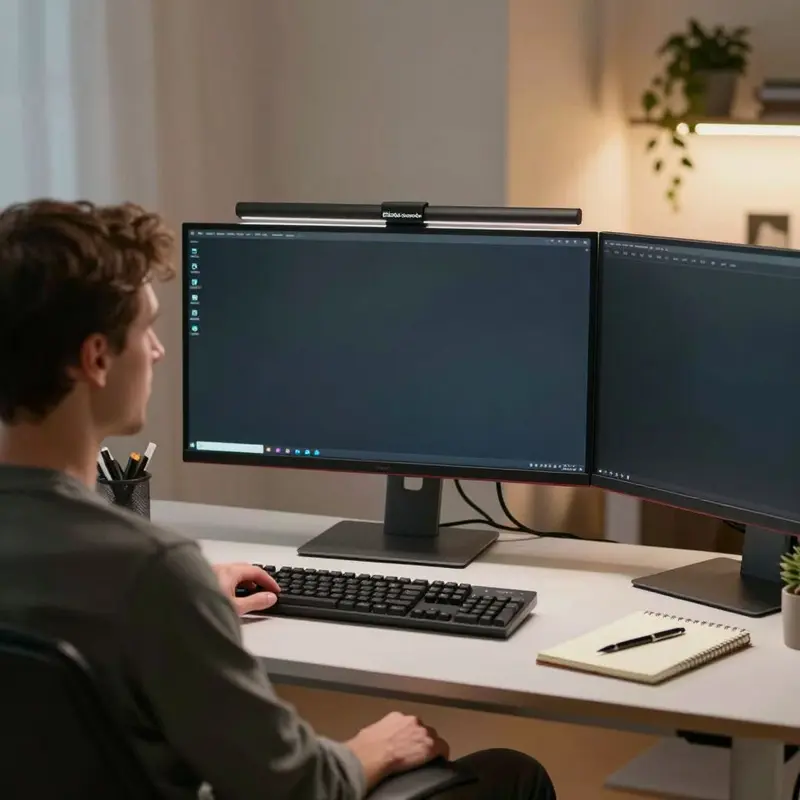
The fit question the previous chapter left open has a pretty direct answer, and it starts with where you actually sit. If your workspace runs dim for most of the day, whether by choice or by architecture, the ScreenBar’s forward-and-down light projection solves a real problem without sending glare back at your eyes. That design detail isn’t incidental. It’s the core engineering decision that separates a monitor light bar from a desk lamp pointed at the wrong thing.
The BenQ ScreenBar meets the 500 lx illuminance standard for task lighting, the threshold associated with sustained, comfortable reading and close-focus work. That number matters because it tells you the lamp isn’t just brightening a room; it’s delivering enough light to meaningfully reduce the strain your eyes accumulate across a long session. Pair that with automatic brightness adjustment that responds to ambient changes in real time, and you get a setup that largely manages itself once you’ve dialed in the baseline.
So who does this genuinely suit? The answer breaks into two honest categories:
- It suits you if your primary complaint is eye fatigue after long video-call or document-heavy days, because the combination of even desk illumination and glare reduction addresses that fatigue at the source rather than masking it.
- It suits you if you work in a dark-room setup or with blackout curtains drawn, since that’s the environment where the Halo 2 variant’s bias lighting and automatic dimming pay off most visibly.
- It’s a harder sell if your workspace is already well-lit by overhead or natural light, because the benefit compounds in low-light conditions and flattens considerably in bright ones.
The synthesis here isn’t complicated: what those cases really separate is need from preference. If you’re already getting stable, comfortable light from the room, the ScreenBar’s precision stops being a fix and starts being a nice-to-have.
Where any honest burnout-proof routine for remote work newcomers has to land is on the question of value relative to expectation. The lamp does exactly what it claims, and it does it consistently. What it doesn’t do is replace deliberate setup choices. If you buy it expecting it to compensate for a fundamentally broken workspace, you’ll be disappointed. If you buy it knowing it’s the final, well-considered layer on a desk you’ve already optimized around comfort, you’ll stop noticing it within a week.
That’s the verdict: if dim, uneven desk lighting is the thing you keep working around, the ScreenBar removes friction in a way you’ll feel every day. If it isn’t, you’ll still have a well-made light, just not a necessary one.
Final thoughts
The real value of a monitor light bar isn’t light. It’s attention. When your desk lighting stops demanding constant micro-decisions, you get those decisions back, and the difference shows up in stamina, not aesthetics.
That’s the useful tension to keep: automation versus intention. The best setup quietly handles the repeatable stuff, then leaves you in control of the choices that actually feel personal. Read any BenQ ScreenBar review for remote work with that lens, and the purchase gets simpler. You’re not buying a brighter desk. You’re buying a steadier day, as long as the rest of your workspace is ready to support it.
Further reading
Leave a comment